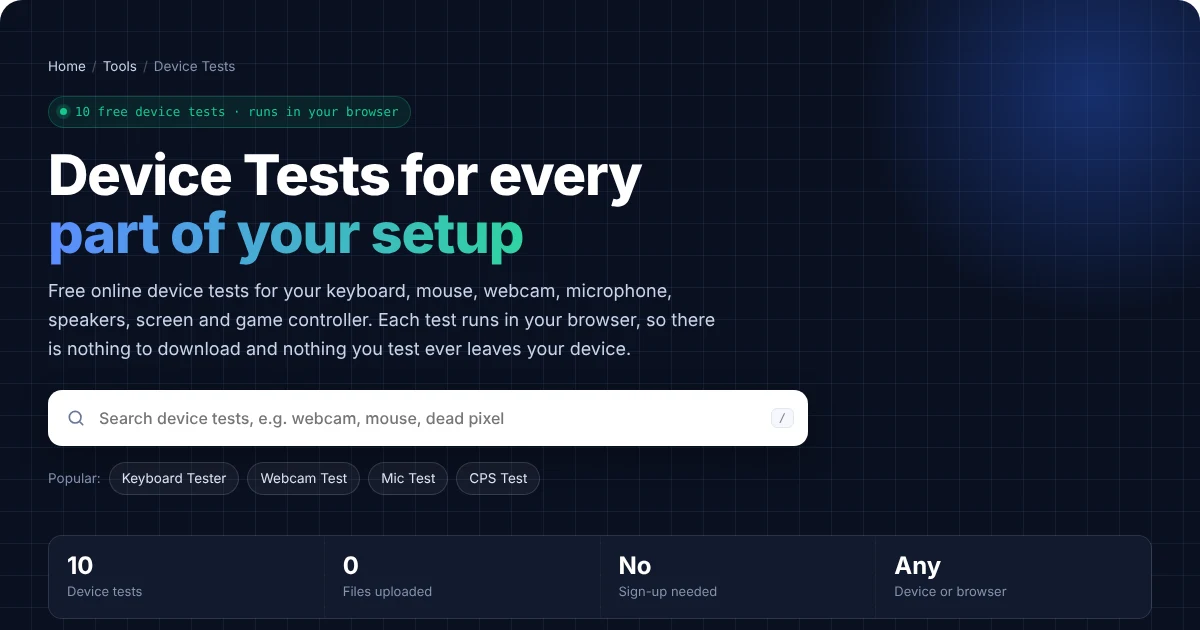
Device Tests for every part of your setup
Free online device tests for your keyboard, mouse, webcam, microphone, speakers, screen and game controller. Each test runs in your browser, so there is nothing to download and nothing you test ever leaves your device.
Popular tools
All device tests
Every device test in one place. Use the search above to filter.
Three steps, no setup
Pick a device test
Search or browse the list, and then open the test for the device you want to check.
Allow access if asked
Camera and mic tests ask your browser for permission first. Otherwise, everything else starts right away.
Read the result
Finally, every test explains what the result means and how to fix common problems.
Private by design
Instead of a server, the tests run on your own device using standard browser features. We never record, upload or store your video, audio, keystrokes or screenshots. So when you close the page, it is all gone.
Which Device Test Do You Need?
- Before a video call: first run the Webcam Test, then the Microphone Test, and finally the Speaker Test.
- When keys or buttons act strangely: use the Keyboard Tester for keys that stop working or type twice. Similarly, the Mouse Click Test catches a mouse that double clicks by itself.
- Before you keep a new or used screen: check it with the Dead Pixel Test, and then confirm its refresh rate and resolution.
- For your gaming setup: test your controller with the Gamepad Tester, and also see how fast you click with the Click Speed Test.
How These Device Tests Work
Each device test uses standard features that are already built into your web browser, such as the Media Capture and Streams API for cameras and microphones, the Web Audio API for sound, and the Gamepad API for controllers. As a result, there is nothing to install. Moreover, the camera and microphone tests always ask for your permission first, and they stop as soon as you press Stop or close the page.
Because nothing is recorded or uploaded, the device tests are also safe to use on work and school computers. For the most accurate results, however, use an up-to-date version of Chrome, Edge, Firefox or Safari, keep the test tab in front, and close other apps that might use your camera, microphone or controller.
Device Test Showed a Problem? Find the Fix
Every device test page includes a step-by-step guide to the most common problems. For example, it covers blocked camera permissions, a muted microphone, keyboard chatter, mouse double clicking, stick drift and monitors stuck at 60 Hz. So if a test shows a fault, simply scroll down on that page for the fixes.
Who Uses These Device Tests?
- Remote workers and students check their camera, mic and speakers before calls and online classes.
- Gamers also test keyboards, mice and controllers, and check their monitor’s refresh rate.
- Buyers, meanwhile, check a new or second-hand laptop, monitor or phone before the return period ends.
- IT support teams similarly send these links to users, because they need no installation.
Frequently Asked Questions
Are these device tests free?
Yes. In fact, every device test is completely free, with no sign-up and no limits.
Do the device tests work on a phone?
Yes, most of them do. For example, the webcam, microphone, speaker, dead pixel, screen resolution and click speed tests all work on phones. However, the keyboard, mouse and gamepad tests need a connected keyboard, mouse or controller.
Is my data safe when I use a device test?
Yes. Everything runs on your own device, so we never record, upload or store your video, audio or keystrokes. Read our Privacy Policy for details.
Need a website or CRM set up for you?
Besides free tools, DgTrick also builds WordPress websites and GoHighLevel automations for growing businesses, so tell us what you need.