An on-page SEO checklist makes sure every page on your website tells Google what it’s about and tells visitors why they should choose you. It isn’t about stuffing keywords. Instead, it’s about clear titles, helpful content, tidy headings and good links. In this guide, you’ll go through 10 on-page checks for a new business website, with simple examples you can apply to your own pages today.
Key takeaways
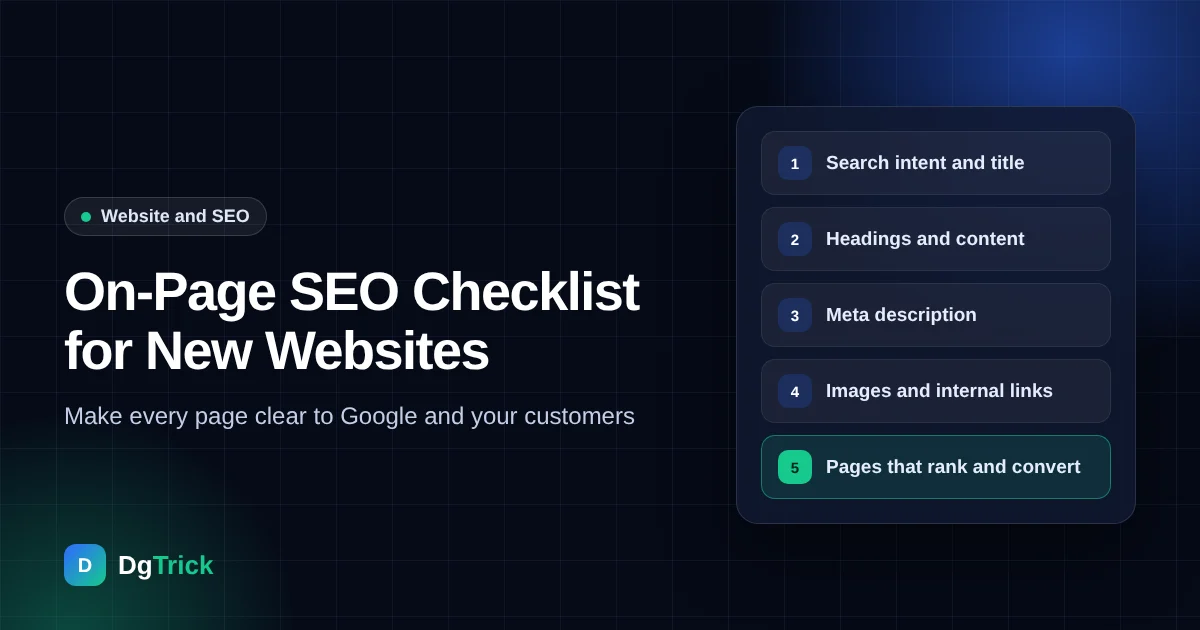
- Give every page one topic and one main keyword, based on what the searcher wants.
- Write the title and meta description by hand for each important page.
- Use one H1, then clear H2 and H3 headings that answer real questions.
- Review your most important pages every few months and keep them up to date.
What Is On-Page SEO?
On-page SEO covers everything you control on the page itself: the words, headings, title, meta description, images and links. In contrast, technical SEO is about how search engines reach your site (see our technical SEO checklist), and off-page SEO is about links and mentions from other websites.
For a new business website, on-page SEO is where you’ll see the quickest wins, because every change is fully in your hands. Google’s guidance on helpful content says the same thing: write for people first, and make it easy for search engines to understand.
The On-Page SEO Checklist: 10 Checks for Every Page
Check 1
Start with search intent
Before writing, decide what the visitor wants to know or do. For example, someone searching “plumber near me” wants to call someone today, while “how to fix a leaking tap” wants a guide. A service page should therefore explain the service, who it’s for, how it works, what it costs or what affects the price, and how to get in touch.
Check 2
Write a clear page title
The title is the blue link people see in Google. Keep it under about 60 characters, put the main keyword near the start, and make it sound like something a person would want to click.
Weak
Home | Services | Best Cheap Plumber Plumbing Company
Strong
Emergency Plumber in Austin | Same-Day Repairs
Check 3
Write a meta description that earns clicks
The meta description is the short summary under your title in search results. It doesn’t change rankings directly, but a clear one gets more people to click. So write one or two sentences, by hand, that say what the page offers and who it’s for. Otherwise, Google may pull random text from the page, such as menu items or button labels, which looks messy.
Check 4
Use one H1 and logical headings
Each page should have one main H1 heading, usually the page title. Then use H2 headings for the main sections and H3 headings inside them. Ideally, each heading answers a question your customer has, such as “How much does it cost?” or “How long does it take?”. As a result, readers can scan the page and search engines understand its structure.
Check 5
Answer the main question early
Put the most important information near the top. For example, if someone lands on your “website design cost” page, tell them the typical price range in the first paragraph, and then explain the details below. Visitors who find their answer quickly stay longer and are more likely to contact you.
Check 6
Write helpful, original content
Include real explanations, examples, prices or price factors, your process and practical next steps. Content copied from other sites, or written only to repeat keywords, rarely ranks. Instead, use what customers actually ask you on calls and messages. Nobody else has those answers in your words.
Check 7
Optimize your images
Use descriptive file names, such as emergency-plumber-austin.webp instead of IMG_1234.jpg. Compress images before uploading, ideally as WebP, for example with our free image converters. Then add alt text that describes what the image shows. Alt text helps people who use screen readers, and it gives search engines more context.
Check 8
Add internal links with purpose
Internal links connect related pages on your website, help visitors find the next step and show search engines which pages matter most. So when you mention a service, link to the page that explains it. Also, use descriptive link text, such as “website planning checklist”, instead of “click here”. For example, if you’re about to build a new site, read our guide on planning an SEO-friendly website.
Check 9
Make pages easy to read on a phone
Most visitors arrive on mobile. Therefore, use short paragraphs, clear subheadings, bullet points and plenty of white space. Use a clean, descriptive URL, such as /emergency-plumber/, and end every page with one clear call to action, such as “Call now” or “Book a free quote”.
Check 10
Keep important pages up to date
On-page SEO isn’t finished when a page goes live. Prices change, services grow and customers ask new questions. So review your most important pages every few months. In Google Search Console, open Performance and filter by page to see which searches already bring visitors. If a page shows up for a related phrase you didn’t target, add a short section that covers it properly.
On-Page SEO Checklist Before You Publish
- One clear topic and search intent for the page
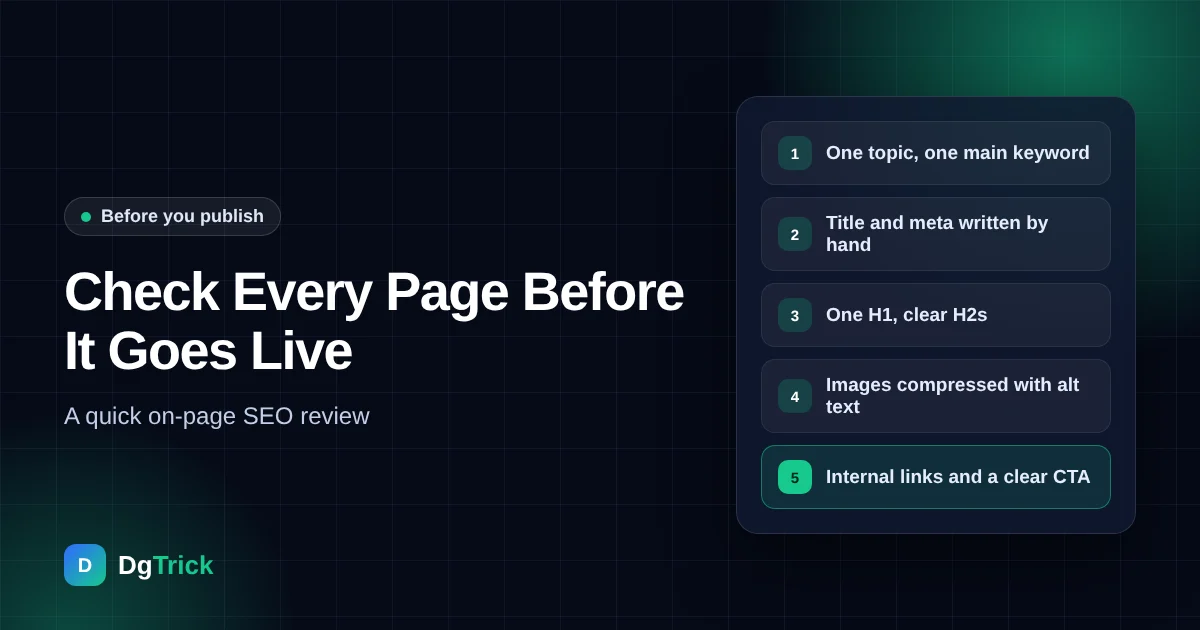
- A unique title, under about 60 characters, with the main keyword near the start
- A handwritten meta description
- One H1, followed by logical H2 and H3 headings
- The main question answered in the first paragraph
- Compressed images with descriptive file names and alt text
- Internal links to related pages and services
- A clear call to action near the end
Common On-Page SEO Mistakes
| Mistake | Better approach |
|---|---|
| Repeating the keyword everywhere | Use it naturally in the title, H1, intro and a few headings. |
| Two pages targeting the same keyword | Merge them into one stronger page. |
| Same title on every page | Write a unique title for each page. |
| Thin service pages with three sentences | Explain the process, price factors, FAQs and next steps. |
| “Click here” links | Use link text that describes the page you’re linking to. |
On-Page SEO Checklist: Frequently Asked Questions
How long does on-page SEO take to show results?
Small improvements can show within a few weeks, once Google crawls the page again. However, real ranking changes usually take a few months, especially for a new website.
Do I need an SEO plugin?
A plugin such as Yoast makes it easier to edit titles, meta descriptions and sitemaps, but it doesn’t do the work for you. The content and structure of each page still matter most.
How many keywords should one page target?
One main keyword, plus a few closely related phrases that people use for the same thing. If a phrase needs a different answer, give it its own page.
How long should a page be?
Long enough to fully answer the visitor’s question, and no longer. Service pages often work well at 600 to 1,200 words, while guides are usually longer.
Want Pages That Rank and Bring Leads?
Need help building SEO-ready pages?
DgTrick builds WordPress websites with clear page structure, proper titles and fast images from the start, and connects your forms to GoHighLevel so every enquiry gets an instant reply.