Tool guide · 10 free tools · 8 min read
You don’t need an expensive subscription to check how your website is doing. The best free website analysis tools show you your traffic, rankings, speed, errors and even recordings of real visitors. This guide lists ten of them, explains what each one is best at, and gives you a 30-minute routine to use them together.
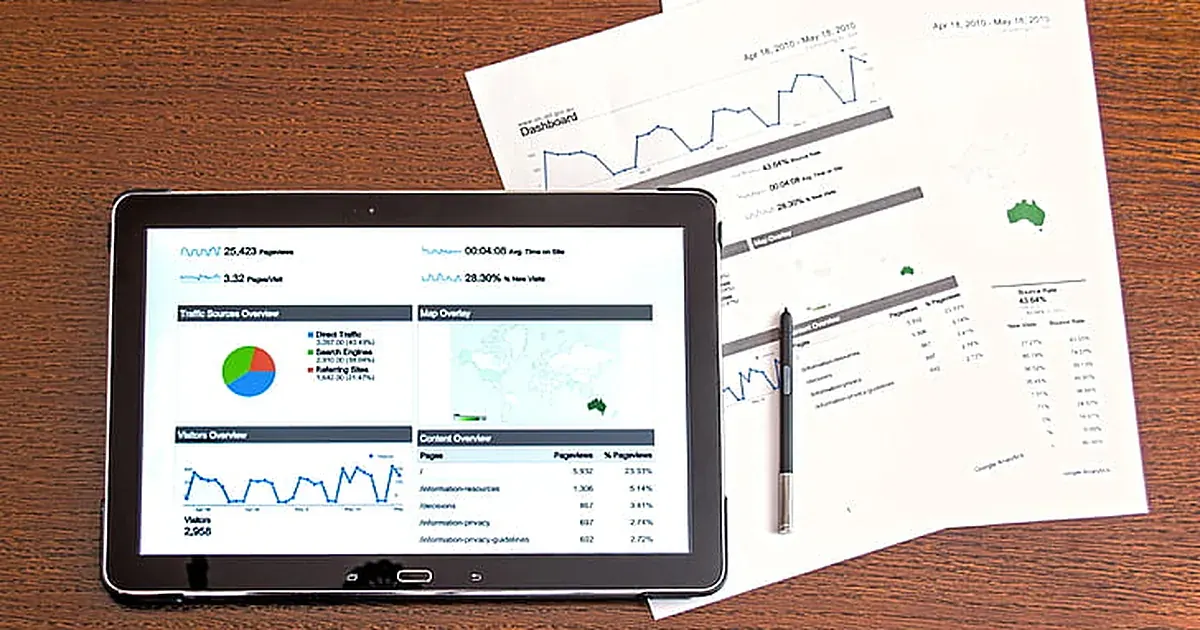
What Can You Check With Website Analysis Online?
Online analysis tools look at your website from different angles. Some measure visitors, some test the code, and others watch how people use your pages. Together, they cover five areas:
10 Free Website Analysis Tools Worth Using
Every tool below has a genuinely free plan. Start with the first four, since they cover most of what a small business needs.
Search
1. Google Search Console
Shows the searches that bring you visitors, your average position, indexing problems and security issues. If you only set up one tool, make it this one.
Traffic
2. Google Analytics
Counts visitors, shows where they come from and which pages they read, and tracks enquiries once you set up key events.
User experience
3. Microsoft Clarity
Free heatmaps and session recordings. You can watch exactly where visitors click, how far they scroll and where they get frustrated.
Speed
4. PageSpeed Insights
Google’s own speed test. It shows Core Web Vitals from real users and lists what slows each page down, for both mobile and desktop.
Speed
5. GTmetrix
A second opinion on speed, with a visual timeline of how your page loads. Useful for spotting one large image or script that holds everything up.
Technical
6. Screaming Frog SEO Spider
A desktop crawler that finds broken links, redirect chains, missing titles and duplicate pages. The free version checks up to 500 URLs.
Links
7. Ahrefs Webmaster Tools
Free for sites you own and verify. It shows which websites link to you and runs a regular audit for SEO problems.
Search
8. Bing Webmaster Tools
Like Search Console, but for Bing. It can import your site from Search Console in a few clicks and includes a free site scan.
Accessibility
9. WAVE
Highlights accessibility problems, such as low-contrast text, missing alt text and unlabeled form fields, so everyone can use your site.
Technical
10. Rich Results Test
Checks whether your structured data works, which helps Google show extras such as review stars or FAQs in search results.
Which Tool Should You Use?
| If you want to know… | Use |
|---|---|
| Why traffic dropped | Search Console, then Analytics |
| Why visitors don’t contact you | Microsoft Clarity recordings |
| Why a page loads slowly | PageSpeed Insights and GTmetrix |
| Which pages are broken | Screaming Frog or Search Console |
| Who links to your site | Ahrefs Webmaster Tools |
| Whether everyone can use your site | WAVE |
A 30-Minute Monthly Analysis Routine
Free website analysis tools are only useful if you open them regularly. Block 30 minutes on the first Monday of each month and follow this order:
Minutes 0–10 · Search Console
Check new errors under Pages, then compare clicks with last month in Performance.
Minutes 10–18 · Analytics
Note visitors, top pages and enquiries. Write the three numbers in a spreadsheet.
Minutes 18–25 · Clarity
Watch five recordings of visitors who left your main service page.
Minutes 25–30 · PageSpeed Insights
Test your homepage on mobile and note anything that turned red. Then pick one thing to fix this month.
When you have more time, run a full check with our free 7-step website audit, or check search issues in depth with the SEO audit checklist.
Free Website Analysis Tools: Questions and Answers
Are free website analysis tools accurate?
Yes. Search Console and PageSpeed Insights use Google’s own data, so they’re as reliable as it gets. Paid tools mostly add estimates about competitors, not more accurate data about your own site.
Will these tools slow down my website?
Most don’t touch your site at all. Analytics and Clarity add a small script, which usually has very little effect. Load it through a plugin such as Site Kit, or a tag manager, to keep things tidy.
Can I analyze someone else’s website?
Partly. Speed tests, accessibility checks and crawlers work on any public site. Search Console, Analytics and Clarity only work on sites you own.
Do I need Semrush or Ahrefs paid plans?
Not for checking your own site. They become useful for detailed keyword and competitor research, once the basics in this guide are under control.