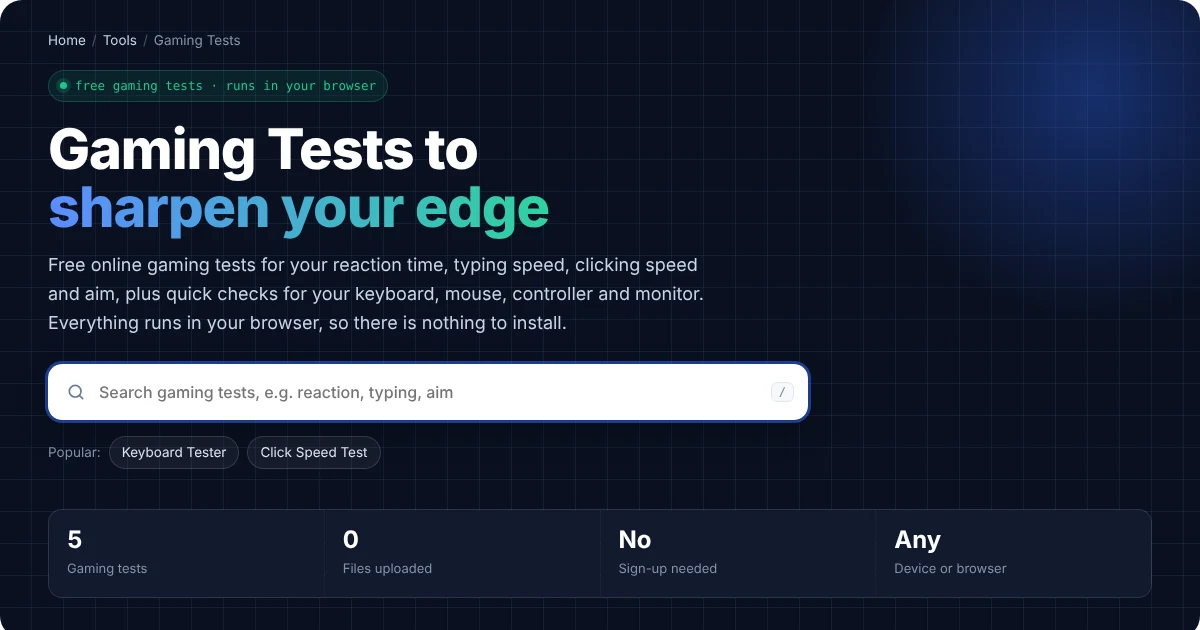
Gaming Tests to sharpen your edge
Free online gaming tests for your reaction time, typing speed, clicking speed and aim, plus quick checks for your keyboard, mouse, controller and monitor. Everything runs in your browser, so there is nothing to install.
Popular tools
All gaming tests
Every gaming test in one place. Use the search above to filter.
Three steps, no setup
Pick a gaming test
Search or browse the list, and then open the test for the skill or gear you want to check.
Allow access if asked
Camera and mic tests ask your browser for permission first. Otherwise, everything else starts right away.
Read the result
Finally, every test explains what the result means and how to fix common problems.
Private by design
Instead of a server, the tests run on your own device using standard browser features. We never record, upload or store your video, audio, keystrokes or screenshots. So when you close the page, it is all gone.
Which Gaming Test Should You Try?
- To test your reflexes: first try the Reaction Time Test, and then train your aim with the Aim Trainer.
- To test your clicking speed: start with the Click Speed Test. After that, try jitter and butterfly clicking to see which technique is faster for you.
- To test your typing: the Typing Speed Test measures your words per minute, while the Spacebar Counter shows how fast you can tap one key.
- To check your gaming gear: use the Keyboard Tester, the Mouse Click Test and the Gamepad Tester. In addition, the Refresh Rate Test shows whether your monitor really runs at 144 Hz or more.
How These Gaming Tests Work
Every gaming test runs directly in your browser, so there is nothing to download or install. As a result, your keystrokes, clicks and scores never leave your device. Some tests also save your best score in your browser, so you can come back later and try to beat it.
For the most accurate results, however, use a wired mouse and keyboard, close other heavy programs, and keep the test tab in front. Similarly, a high refresh rate monitor makes timing tests such as reaction time and aim feel more precise.
Gaming Tests That Measure Your Skills
Skill tests show how fast your hands and eyes really are. For example, human reaction time to a visual signal is usually around 200 to 250 milliseconds (see mental chronometry on Wikipedia). Likewise, an average typist reaches about 40 words per minute, while fast typists pass 80 (see words per minute on Wikipedia). So these gaming tests give you a clear number to improve on.
Gaming Tests That Check Your Gear
Hardware tests, on the other hand, find problems that cost you games. For instance, a mouse that double clicks, a keyboard that blocks key combinations, or a controller with stick drift can all ruin a match. Therefore, check your gear whenever something feels wrong, and also before an important game or tournament. Competitive players in esports check their setup regularly for the same reason.
How to Improve Your Gaming Test Scores
- Warm up first. In practice, a few minutes of play makes your first scores more accurate.
- Practice in short sets. Several short tries with breaks build speed better than one long session.
- Check your setup. Also turn on your monitor’s highest refresh rate and use a wired connection.
- Rest your hands. Finally, stop if your wrist or fingers hurt, because strain makes you slower.
Frequently Asked Questions
Are these gaming tests free?
Yes. In fact, every gaming test is completely free, with no sign-up and no limits.
Do the gaming tests work on a phone?
Many of them do. For example, the reaction time, click speed and aim tests all work with touch. However, the keyboard tests need a connected keyboard.
Are my gaming test scores saved?
Some tests save your best score, but only in your own browser. So if you clear your browser data, the scores disappear, and we never see them.
Need a website or CRM set up for you?
Besides free tools, DgTrick also builds WordPress websites and GoHighLevel automations for growing businesses, so tell us what you need.