An SEO-friendly website starts long before anyone writes a line of code. If you decide your goals, pages, keywords and content first, your developer can build the right structure from day one, and you avoid the most expensive mistake in web design: rebuilding pages after launch because nobody can find them on Google. In this guide, you’ll plan your website step by step, so you can hand any developer a clear brief.
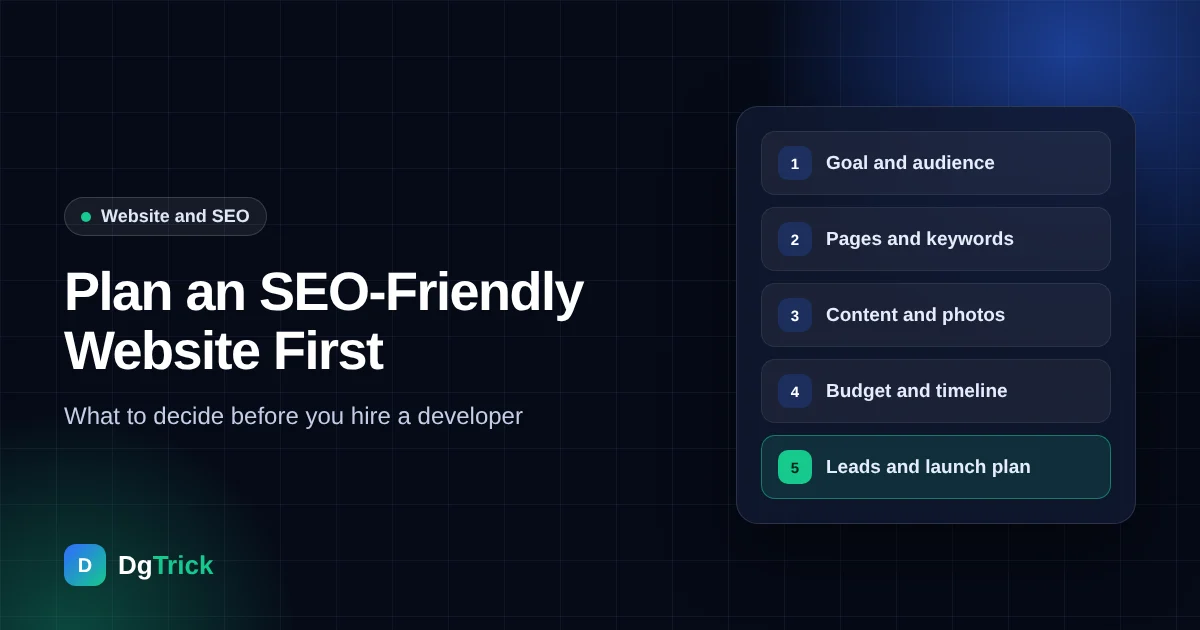
Key takeaways
- Decide one main goal for the website, such as calls, bookings or sales, before you talk to a developer.
- Give every important page one topic and one keyword. That is the core of an SEO-friendly structure.
- Content is usually the biggest cause of delays, so gather text and photos early.
- Plan what happens to each lead, not just how the site looks.
What Makes a Website SEO-Friendly?
An SEO-friendly website is one that search engines can easily crawl and understand, and that answers what people are searching for. In practice, that comes down to three things:
Structure
One page, one topic
Clear pages, headings and links
Content
Answers real questions
Written for your customers
Technical
Fast and mobile-ready
Works well on every phone
Your developer handles most of the technical side. However, structure and content come from your plan, which is why the planning stage matters so much. Google’s own SEO Starter Guide makes the same point: helpful, well-organized content comes first.
How to Plan an SEO-Friendly Website in 7 Steps
Work through these steps before you request quotes. You’ll get more accurate prices, and the project will move much faster.
Step 1
Define the main goal
First, decide what the website should achieve. For example, should it bring in enquiries, take bookings, sell products, show your work or share information? Then choose the one action you most want visitors to take, such as “Book a call”, and make it visible on every page.
Step 2
Describe your ideal customer
Next, write a few sentences about who your visitors are, what problems they have and what they ask before they contact you. These questions become your headings, your FAQ and often your blog topics, which is exactly what search engines look for.
Step 3
List your pages and give each one a keyword
Most business websites need these pages at launch:
- A homepage that explains what you do and who you help
- One page per main service, rather than one page for everything
- An About page and a Contact page
- A Privacy Policy and Terms, where needed
Tip: give each service page its own main keyword, for example “roof repair in Houston” or “bookkeeping for small businesses”. If two pages target the same keyword, they compete with each other in Google.
Step 4
Prepare your content and photos
Then collect your logo, brand colors, real photos, service descriptions, testimonials and business details. Content is the most common reason website projects run late, so start early. Use your own photos where possible, and only use images you have permission to use.
Step 5
Set a budget and timeline
Websites range from a simple one-page site to large platforms with bookings and payments. So decide a budget range early, which helps a developer recommend the right platform. Also separate what you need at launch from what can wait. A smaller first version that launches on time is usually worth more than a perfect site that is months late. Remember ongoing costs too, such as hosting, domain renewal, premium plugins and maintenance.
Step 6
Plan for leads, not just looks
A website should do more than look professional. Decide what happens when someone fills in a form or taps the call button: who receives the enquiry, how quickly the visitor gets a reply, and where the lead is stored. For example, connecting your forms to a CRM such as GoHighLevel means every new lead gets an instant text or email, lands in a pipeline and is followed up automatically.
Step 7
Plan what happens after launch
Finally, remember that launch day is the start, not the end. Set up Google Search Console and analytics before launch, so you can see which pages people find and use. After the first month, review the numbers and make small improvements, such as clearer headings, stronger calls to action or new pages that answer common questions. A website that keeps improving almost always beats one that is built once and left alone.
Your SEO-Friendly Website Planning Checklist
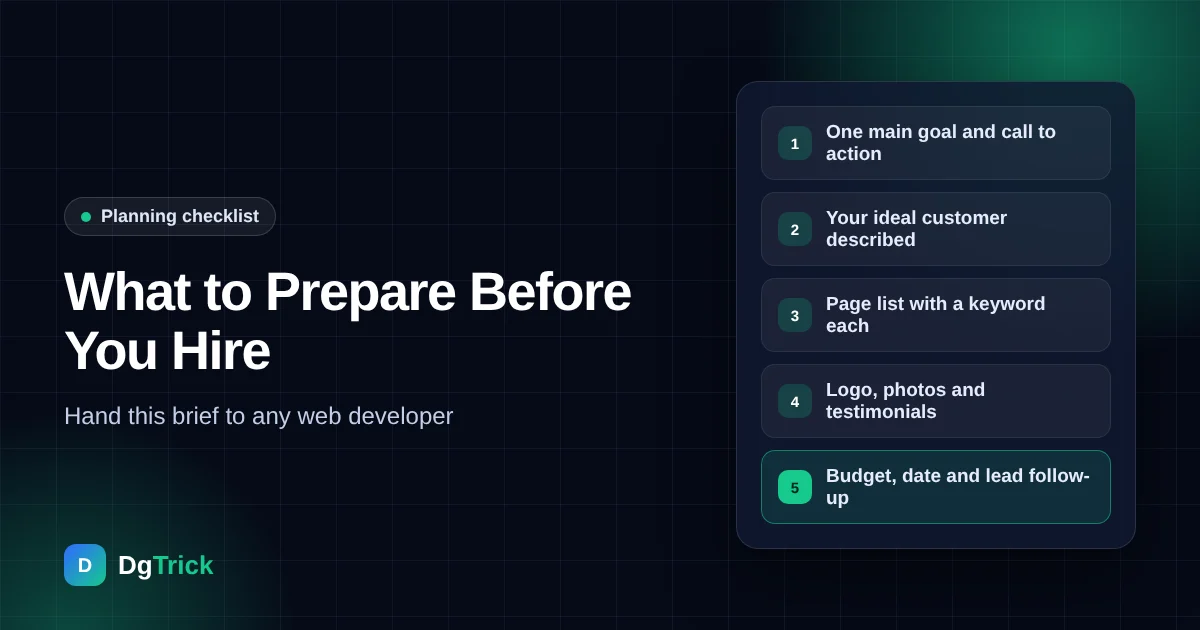
- Write down the main goal and the main call to action.
- Describe your ideal customer in a few sentences.
- List every page you need at launch.
- Choose one main keyword for each important page.
- Gather your logo, photos, testimonials and service details.
- Set a realistic budget range and launch date.
- Decide how leads will be captured and followed up.
Questions to Ask a Web Developer
Once your plan is ready, use these questions to compare developers:
| Question | Why it matters |
|---|---|
| Which platform do you recommend, and why? | The platform decides your costs and how easily the site can grow. |
| Can I edit text and images myself? | You shouldn’t need to pay for every small change. |
| Who owns the website, domain and hosting? | They should be registered in your name, not the developer’s. |
| How will the site be fast on mobile? | Most visitors arrive on a phone, and speed affects rankings. |
| What SEO setup is included at launch? | Titles, descriptions, sitemap and Search Console should be standard. |
| How are forms connected to email or a CRM? | Leads that go nowhere are lost money. |
| What support do I get after launch? | Updates, backups and fixes need a clear owner. |
Common Website Planning Mistakes
One page for every service
Separate pages rank for separate searches. A single page can’t rank for them all.
Design before content
Designing around placeholder text leads to rework once the real content arrives.
No plan for leads
A form that only sends an email you check once a day loses fast-moving customers.
Launching and forgetting
Without Search Console and regular updates, you won’t know what to improve.
SEO-Friendly Website Planning: Frequently Asked Questions
How long does it take to build a small business website?
A simple business website often takes a few weeks once the content is ready. Larger sites with online stores, bookings or many pages take longer. In most projects, collecting the content is the biggest factor in the timeline.
Should I write the website content myself?
You know your business best, so your input is essential. Many owners write notes and key facts, and then work with a writer or developer to turn them into clear, search-friendly pages.
Can SEO be added after the website is built?
Some of it can, such as titles and descriptions. However, the page structure is much harder to change later, so it is cheaper to plan it from the start.
How many pages does a new business website need?
Most start with five to ten pages: a homepage, one page per main service, About, Contact and the legal pages. Then add blog posts and new pages as you learn what customers search for.
Ready to Plan Your Website?
Want help turning your plan into a website?
DgTrick builds fast, SEO-friendly WordPress websites for small businesses, with forms connected to GoHighLevel so every lead gets an instant reply.