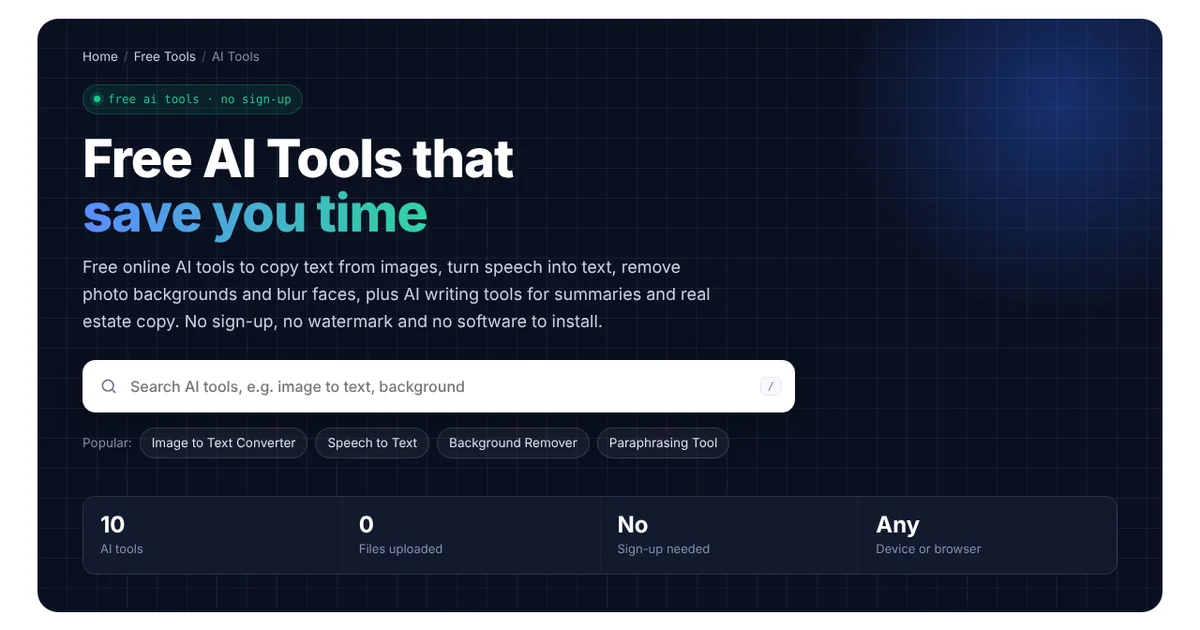
Free AI Tools that save you time
Free online AI tools to turn text into a natural voice, copy text from images, turn speech into text and remove photo backgrounds, plus AI writing tools for summaries and real estate copy. No sign-up, no watermark and no software to install.
Popular tools
All AI tools
Every AI tool in one place. Use the search above to filter.
Three steps, no setup
Pick an AI tool
Search or browse the list, and then open the tool for the job you need done.
Add your file or text
Drop in an image or audio file, or type a few details for the writing tools.
Copy or download
Finally, check the result, edit it if needed, and then copy or download it.
Private by design
The image and audio AI tools run on your own device, so your photos and recordings are never uploaded. The writing tools only send the text you type to the AI service, and DgTrick does not keep a copy.
What Can These AI Tools Do?
These free tools handle everyday jobs that used to take time or paid software. So here is which tool to use for each job:
- Need a voiceover? Start with Free Text to Speech, which turns your script into a natural AI voice you can download.
- Text stuck in a screenshot or photo? First, use the Image to Text Converter, so you can copy it instead of typing it out.
- A voice note or recording? Then the Speech to Text tool turns it into text you can edit and share.
- A product photo that needs a clean background? In that case, the Background Remover gives you a transparent PNG.
- Strangers’ faces in a photo you want to post? Before you share it, blur them with the Face Blur Tool.
- Too much to read? Instead of reading it all, let the Text Summarizer turn a long article or email into a few short points.
- Something to rewrite? Finally, the Paraphrasing Tool rewords it in a clearer or more formal tone.
AI Tools for Real Estate
Besides these, DgTrick also builds automation for real estate investors and agents. That’s why some of the tools are made for that work:
- Listing Description Generator: first, enter the bedrooms, bathrooms and best features. Then you get a listing description you can edit and post.
- SMS Script Generator: this one creates short texts for new seller leads, missed calls and follow-ups.
- Cold Email Generator: in addition, it writes outreach emails for sellers, buyers and agents.
- Motivated Seller Ad Copy Generator: lastly, it writes Facebook and Google ad text for “we buy houses” campaigns.
However, these scripts work even better when they are sent automatically. For example, a GoHighLevel workflow can text every new seller lead within a minute, day or night.
How Our AI Tools Work
Each tool works in one of two ways, and the tool page tells you which one it uses:
| Type | Where the AI runs | Used for |
|---|---|---|
| On your device | A small AI model downloads into your browser and runs there. Your file is never uploaded. | Text to speech, image to text, speech to text, background remover, face blur |
| AI writing | Only the text you type is sent to an AI service, which then writes the reply. | Paraphrasing, summaries and real estate writing tools |
The first time you open an on-device tool, the AI model needs to download, which can take a few seconds to a minute. After that, it usually loads much faster because your browser keeps a copy. In fact, these tools use the same technology described in MDN’s WebGPU documentation, which lets a browser run AI models on your device.
Tips for Getting Better Results From AI Tools
- Use clear images. Text recognition works best on sharp, well-lit images, especially when the text is straight.
- Record in a quiet room. Otherwise, background noise and music make speech to text less accurate.
- Give the writing tools details. For instance, “3-bed ranch with a new roof and a big backyard” gets a much better listing than “nice house”.
- Always check the result. Even good AI makes mistakes, so read the text before you send or publish it.
- Keep private information out. Similarly, never type passwords or ID numbers into the writing tools.
Frequently Asked Questions
Are these AI tools really free?
Yes. Every tool on DgTrick is free to use, with no sign-up and no watermark. However, the writing tools have a fair daily limit per person, so they stay free for everyone.
Are my files uploaded when I use the AI tools?
No, not for the image and audio tools. Instead, they run on your own device, so your files never leave your computer or phone. Meanwhile, the writing tools only send the text you type.
Do the tools work on a phone?
Yes. They work in Chrome, Safari and Edge on phones, tablets and computers. On-device tools, however, run faster on a computer or a newer phone.
Can I use the results for my business?
Of course. For example, you can use the text and images you create for listings, ads and emails. Just check the result before you publish it.
Need a website or CRM set up for you?
Besides free tools, DgTrick also builds WordPress websites and GoHighLevel automations for growing businesses, so tell us what you need.